If you created your Google Play developer account as an individual after 13 November 2023, you can't release your first app straight away: Google first requires a closed test with at least 12 testers who stay opted in for 14 days in a row. Only then can you apply for production access. I'm going through it with my games Rania, Brick Trotter and Chrono Trotter; here is what you need to know, based on Google's official help page and my own experience.
Who it applies to
- Personal accounts created after 13 November 2023.
- Until you meet the requirement, the production and pre-registration tracks stay locked.
- Internal and closed testing work from day one: that's exactly what they are for.
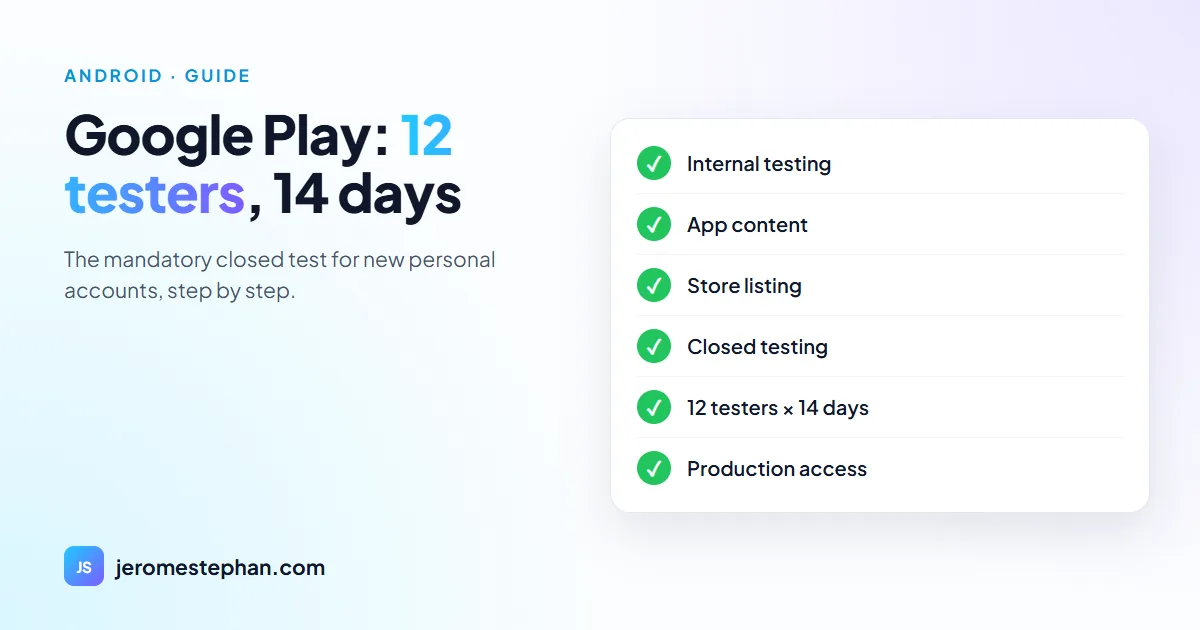
The steps, in order
- Internal testing: upload the AAB, add yourself as a tester and install it from the Play Store link. It's instant and lets you check signing and installation.
- App content: privacy policy (a page on your own website), ads, app access, content rating (IARC questionnaire), target audience and data safety. If your audience includes children under 13, the Families rules apply.
- Store listing: name, descriptions, 512 px icon, 1024 × 500 feature graphic and screenshots, in each language.
- Closed testing: create the release, pick the testers list and send it for review. Once Google approves it, testers get access through an opt-in link.
- 14 days with 12 testers opted in, without interruption.
- Apply for production from the dashboard: a three-part form about the test, the app and its readiness. According to Google, the answer usually comes within seven days.
What the production form asks
- About the closed test: how easy it was to recruit testers, whether they used every feature, how their use compares with expected real use, and a summary of their feedback.
- About the app: the target audience, its value and how many installs you expect in the first year.
- About readiness: what you changed thanks to the test and how you decided the app was ready.
If you had fewer than 12 testers or they barely used the app, Google may ask you to keep testing. So ask them to really play, and write down what you fix.
My tips to find (and keep) 12 testers
- Look for them before the app is finished: family, friends, colleagues, clients. They need a Google account and an Android phone.
- Use a reusable email list: in Play Console, a testers list works for all your apps. Mine already has more than 40 people and I use it for every new game.
- Keep a margin: sign up 15 or 20 people, because someone always drops out before day 14.
- Tell them what to test: for example, play three levels, change the language, close and reopen. Their answers then feed the form.
- Ask them not to opt out until release, and not to uninstall the app during the test.
- A form on your website: my game articles have a block where anyone can leave their Google account email. It's the one you see below.
Mistakes that waste time
- Forgetting the privacy policy: it's mandatory even if the app collects no data. A simple page on your website is enough.
- Waiting for the review before looking for testers: the closed-test release is reviewed too; meanwhile, you can already build the list.
- Uploading the same version twice: every new bundle needs a higher version code.
- Losing the signing key: keep the keystore and its password somewhere safe. I use the same upload key for Rania, Brick Trotter and Chrono Trotter.
And then?
Once production access is approved, you create the production release with the same bundle (or a new one), send it for review and the app shows up on the Play Store, usually within a few days. For updates, Google doesn't require another 14-day test, although it recommends testing every release. In my case, each new game goes through its own closed test, with the same testers list.
For the technical side, read making an Android game with Godot. And if you need an app or a game, see my custom software service, or let's talk to find out whether a mobile app or a web app suits you better.
Want to try my games before everyone else?
I'm looking for beta testers with an Android phone for my games in closed testing. Pick a game and leave me the email of your Google account (the one you use on the Play Store): I'll add you and send you the link.
Your email is only used to sign you up for testing, nothing else.Got an app, platform or game project?
Let's talk: I'll propose the architecture, the timeline and a clear price.
Get my free quoteMessage me on WhatsApp