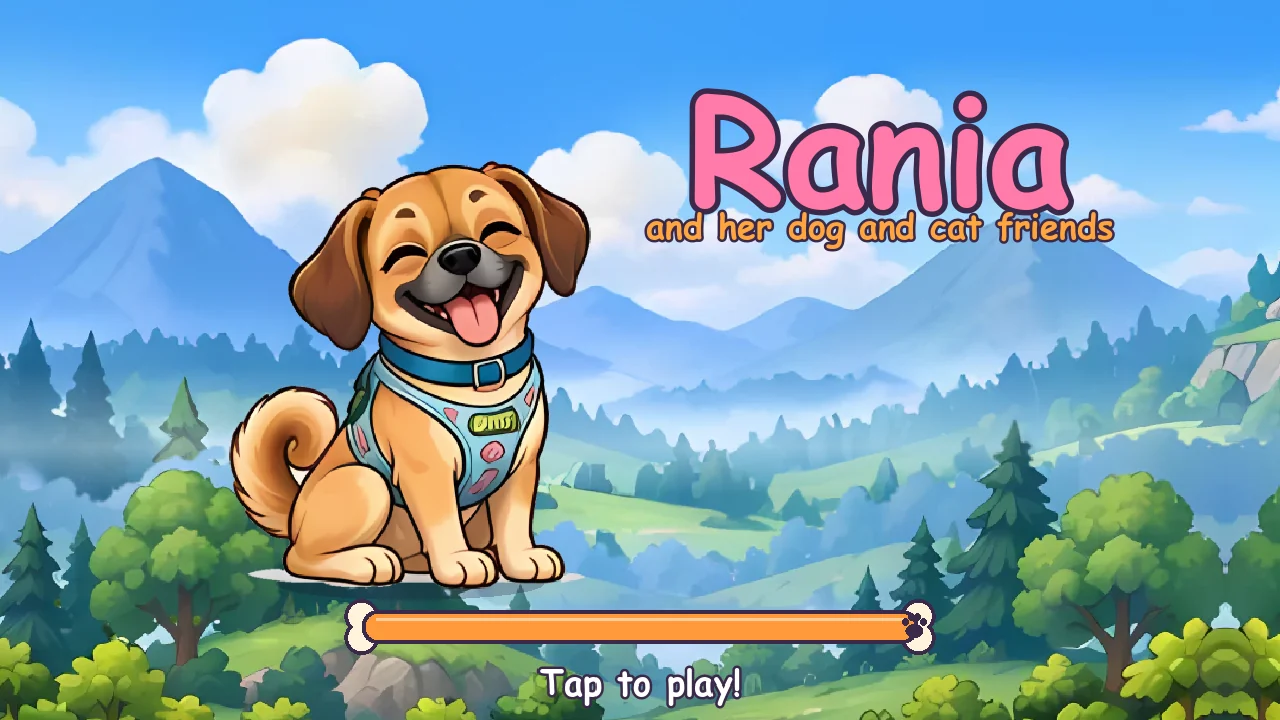
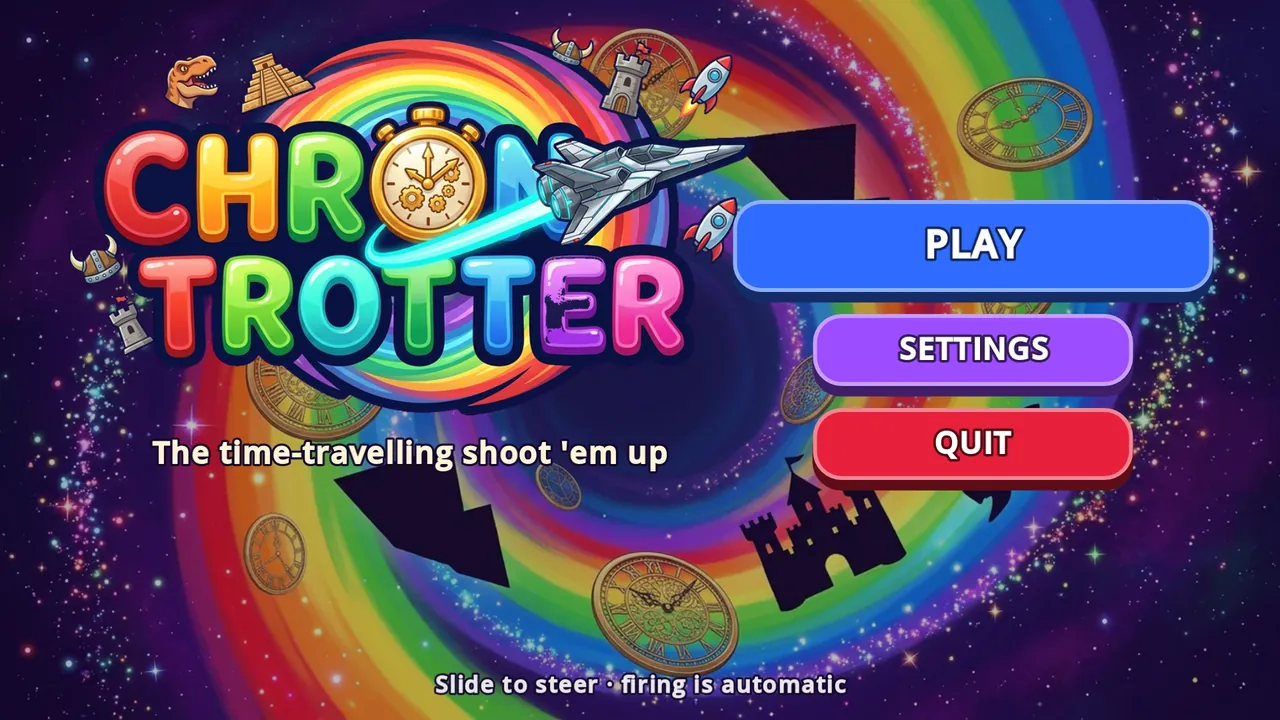
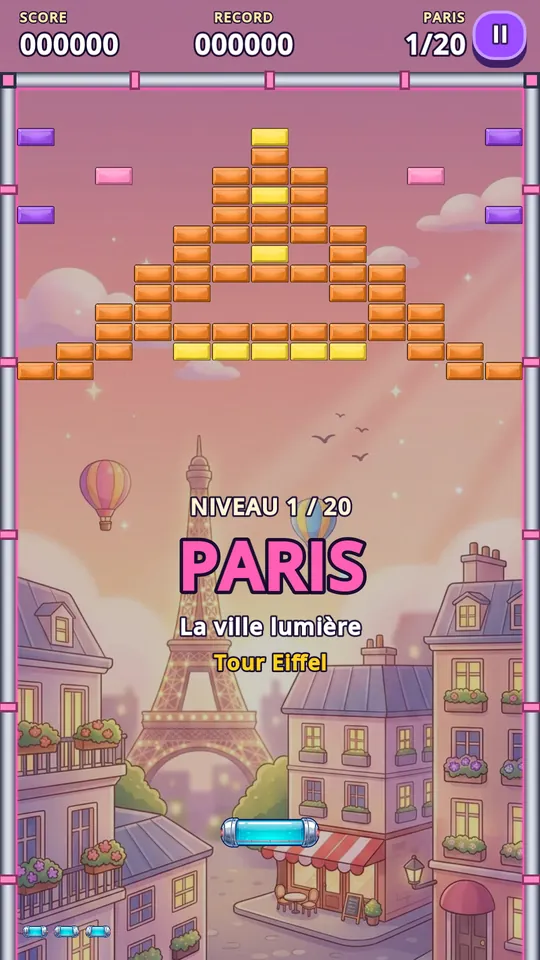
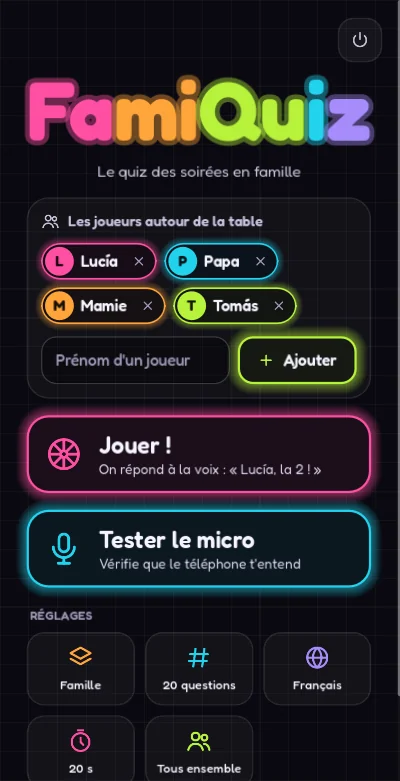
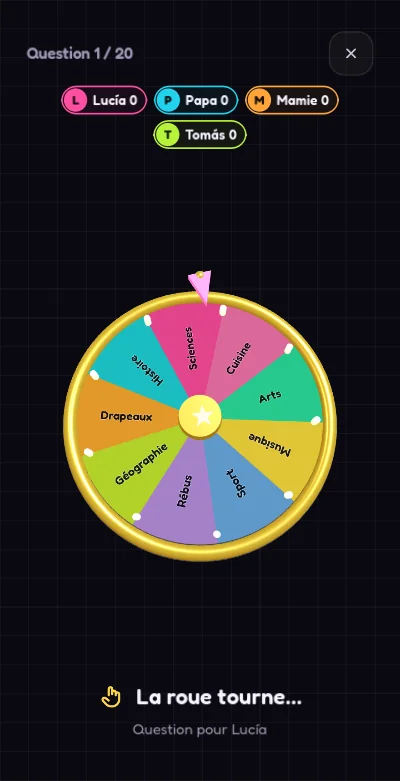
In a few months I made four Android games with Godot: Rania (platformer), Brick Trotter (brick breaker), Chrono Trotter (shoot 'em up) and FamiQuiz Party (voice quiz). This guide gathers what worked, for anyone who wants to make their own game or understand how a real one comes together, from the engine to Google Play.
Why Godot
- Free and open source (MIT licence): no royalties and no per-install fee.
- Lightweight: the editor is small and a full 2D game fits in a few dozen megabytes.
- Exports to Android as an APK for testing and an AAB for Google Play, plus PC, web and more.
- Two languages: GDScript, Godot's own and very simple, or C# with the .NET version.
GDScript or C#?
I've used both. Rania and FamiQuiz Party are in C#, the same language as my .NET web projects; FamiQuiz Party adds a small Java module for Android speech recognition. Brick Trotter and Chrono Trotter are in GDScript, faster to write for an arcade game. My rule: C# if the game shares logic with another project or is large; GDScript for everything else.
Think phone first
- «Compatibility» renderer: it runs on the most phones, including modest ones. Brick Trotter supports more than 18,000 device models from Android 7.
- Simple controls: slide your finger, auto-fire, big buttons. There's no keyboard on a phone.
- Portrait or landscape: Brick Trotter is played in portrait; Chrono Trotter and Rania in landscape.
- Save at every level: the phone interrupts (calls, messages) and players must be able to resume where they left off.
- Phone language: my games open in the system language, with six languages available.
Art with artificial intelligence
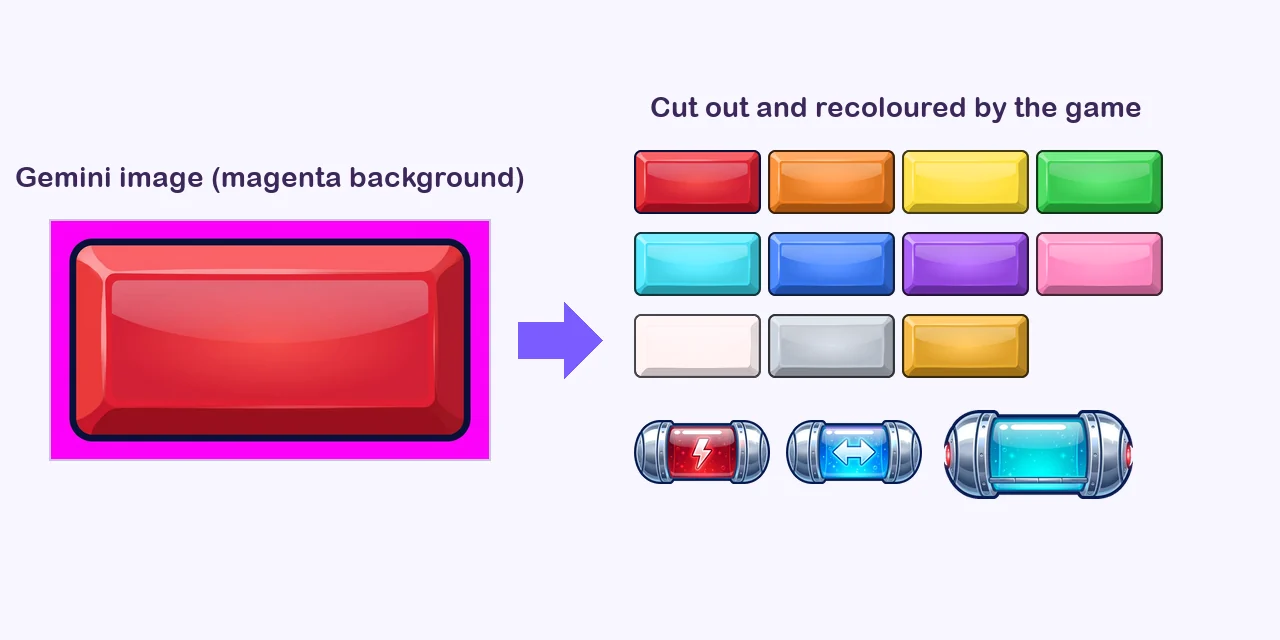
The backgrounds, characters, enemies and power-ups of my games were generated with Gemini (and a few ships with ChatGPT). Three tricks:
- Never ask for a «transparent background»: the AI draws a fake grey and white checkerboard. Ask for a plain magenta background instead, which a script removes automatically.
- Define a style and repeat it in every prompt, so the 20 eras or 20 countries look like the same game.
- Smooth it out: «Compatibility» has no 2D antialiasing, so I enable mipmaps on sprites so they don't look pixelated when scaled down.
On the Google Play listing, AI-generated assets are declared as such, and it's best to avoid protected landmarks or characters.
Sound without files
In Brick Trotter and Chrono Trotter, every sound and the music come from a small synthesiser written inside the game. Advantages: no licensing issues, a lighter game and the ability to fine-tune each sound in code.
Testing with an autopilot
What saved me the most time: a test mode where an autopilot plays every level in a row, headless and sped up, and logs levels that are impossible, too long or stuck. The same mode generates the Google Play screenshots at 1920 × 1080 in every language. With Claude Code as copilot, that mode is written once and used after every change.
Exporting to Android
- Install the Android build template from the editor (once per project).
- Create an upload key (keystore) and keep it safe: you need it for every update. I use the same one for three of my games.
- Export an APK to test on the phone over USB, and a signed AAB for Google Play.
- Increase the version code with every update.
Publishing on Google Play
With a recent personal account, you need a closed test with 12 testers for 14 days before you can publish. I explain it step by step in publishing on Google Play: the 12 testers, 14 days rule. If you'd like to help with my games, you can sign up as a tester below.
Got an app or game idea? See my custom software service, and to know whether a native app makes sense, read mobile app or web app?. And if you like PC games, there's also WindRush, my windsurfing and kitesurfing game.
Want to try my games before everyone else?
I'm looking for beta testers with an Android phone for my games in closed testing. Pick a game and leave me the email of your Google account (the one you use on the Play Store): I'll add you and send you the link.
Your email is only used to sign you up for testing, nothing else.Got an app, platform or game project?
Let's talk: I'll propose the architecture, the timeline and a clear price.
Get my free quoteMessage me on WhatsApp