Quotes, invoices, receipts, certificates, reports: many businesses still put these documents together by hand, copying data from a spreadsheet into a Word template. It's slow, and it's exactly where mistakes creep in. Here are four real cases I built where the PDFs generate themselves, and how to tell whether it's worth it for your business.
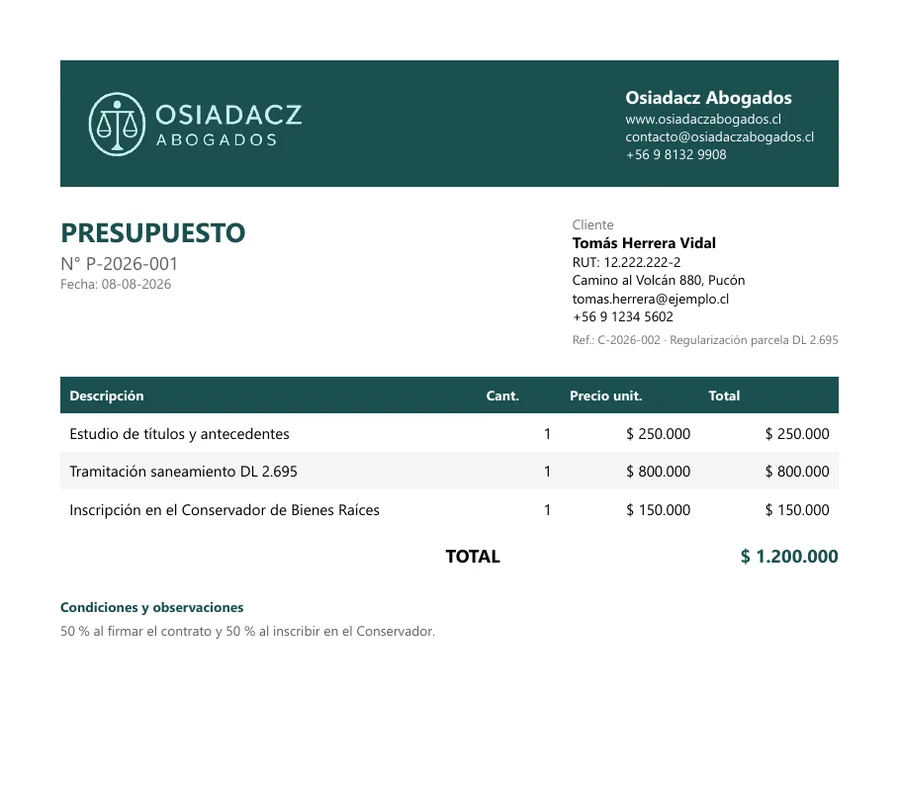
Which documents can be automated
Almost any document that always has the same structure and whose data already lives in a system:
- Quotes and estimates, with line items, amounts and a validity period.
- Invoices and payment receipts, numbered in sequence.
- Certificates that repeat the same wording with each client's details.
- Personalised reports, built from the client's own data.
- Product or property brochures, ready to send or print.
All the screenshots in this article use fictitious or blurred data.
Case 1: a law firm's CRM
For Osiadacz Abogados, a law firm in Chile, I built a custom CRM where quotes are no longer written in Word:
- The quote is built from line items, in Chilean pesos, UF, US dollars or euros at the day's exchange rate, with VAT (IVA) or fee withholding where applicable.
- It gets an automatic number (P-2026-001, P-2026-002...) and is generated as a PDF in the firm's colours.
- It's emailed in one click, with a link where the client accepts or rejects it online.
- If the client accepts, the invoice is created automatically (F-2026-NNN), with an instalment plan if it's paid in parts. Each payment produces a PDF receipt (REC-2026-NNN).
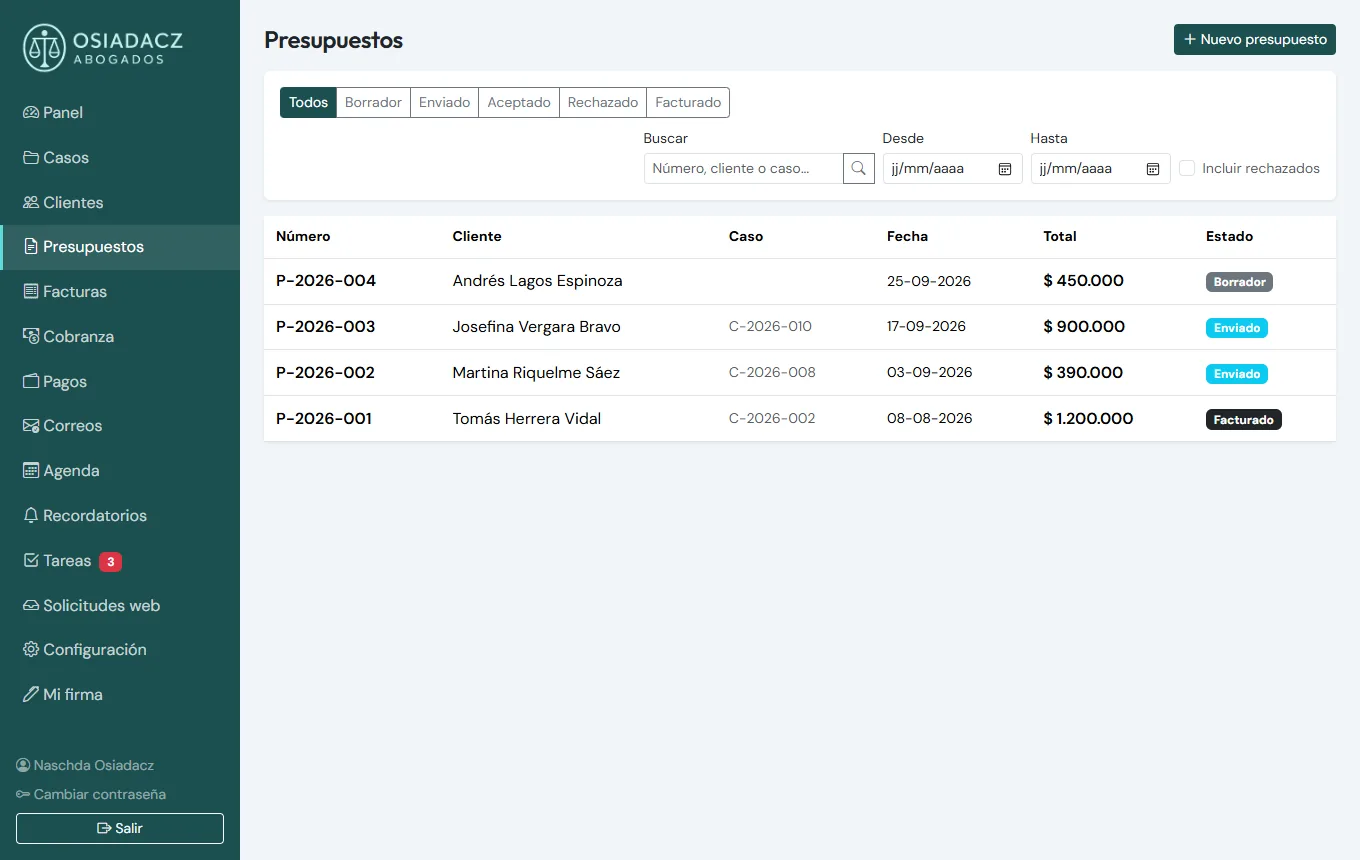
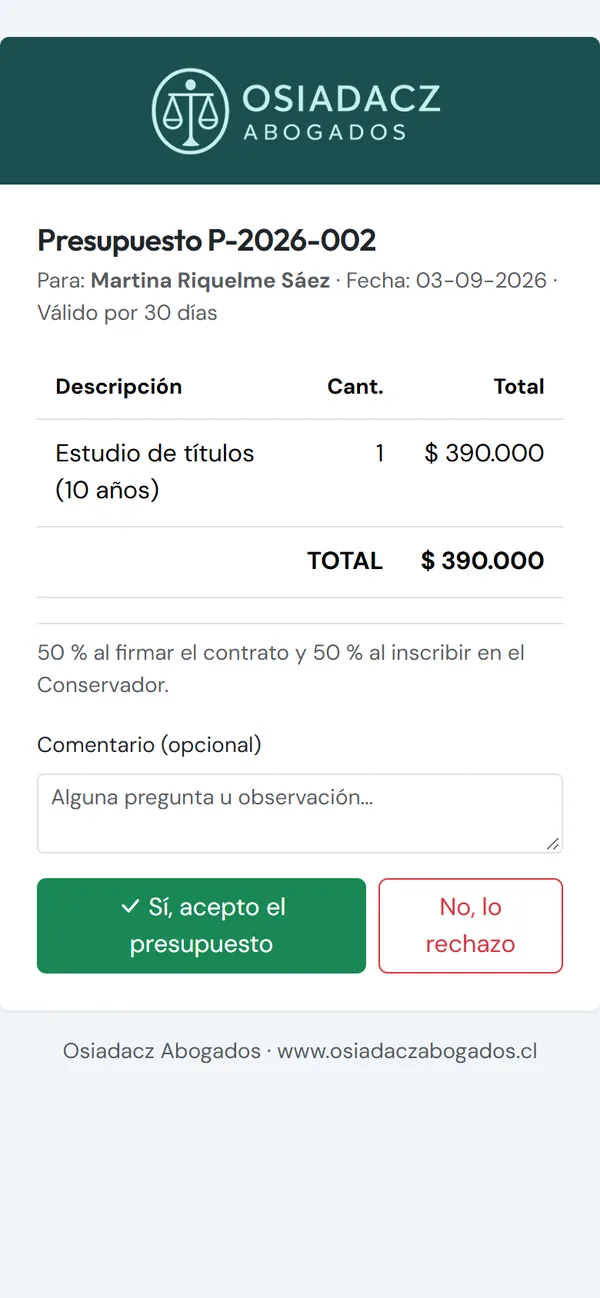
What used to mean drafting, converting to PDF, attaching, waiting for an answer and then writing the invoice is now one continuous chain where nobody types the same data twice.
Case 2: an accountant's CRM
In the CRM I built for ContAuditor, Cecilia Arancibia's accounting firm, the repetitive documents also produce themselves:
- Quotes in pesos or UF, with automatic numbering (COT-2026-NNN) and a validity of 15 days by default.
- A monthly payment breakdown in PDF for each client: taxes, social security contributions and fees.
- A capital certificate filled in automatically from the client's data, with the amount written out in words and the signature embedded.
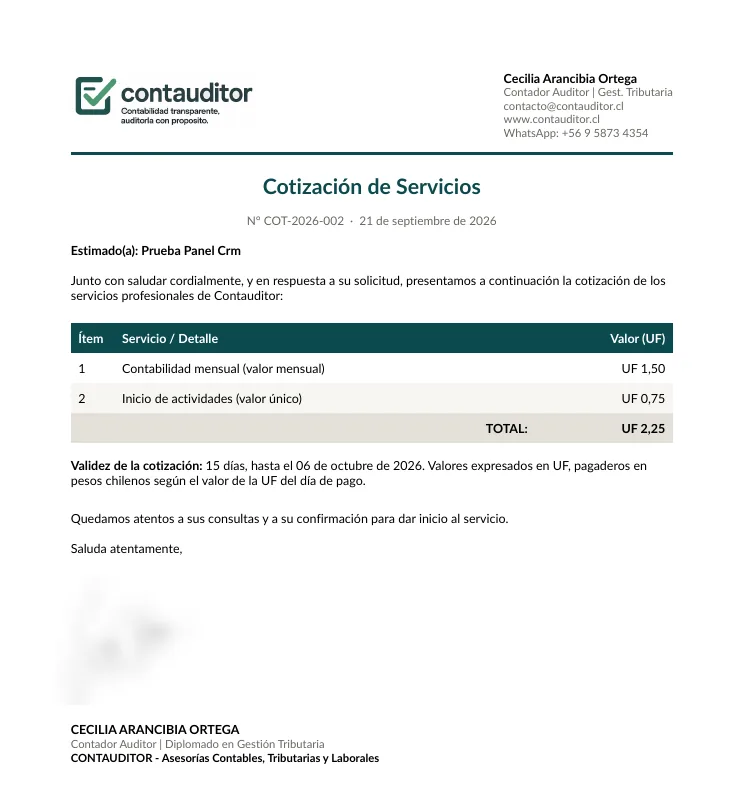
The amount in words looks like a detail, but it's exactly the kind of thing that gets mistyped when it's done by hand.
Case 3: reports and brochures in other sectors
The same principle works well beyond professional firms:
- FuelYourDNA (genetic nutrition reports in Europe): from the customer's raw DNA file, the system generates a personalised PDF report, delivered instantly and available in 6 languages.
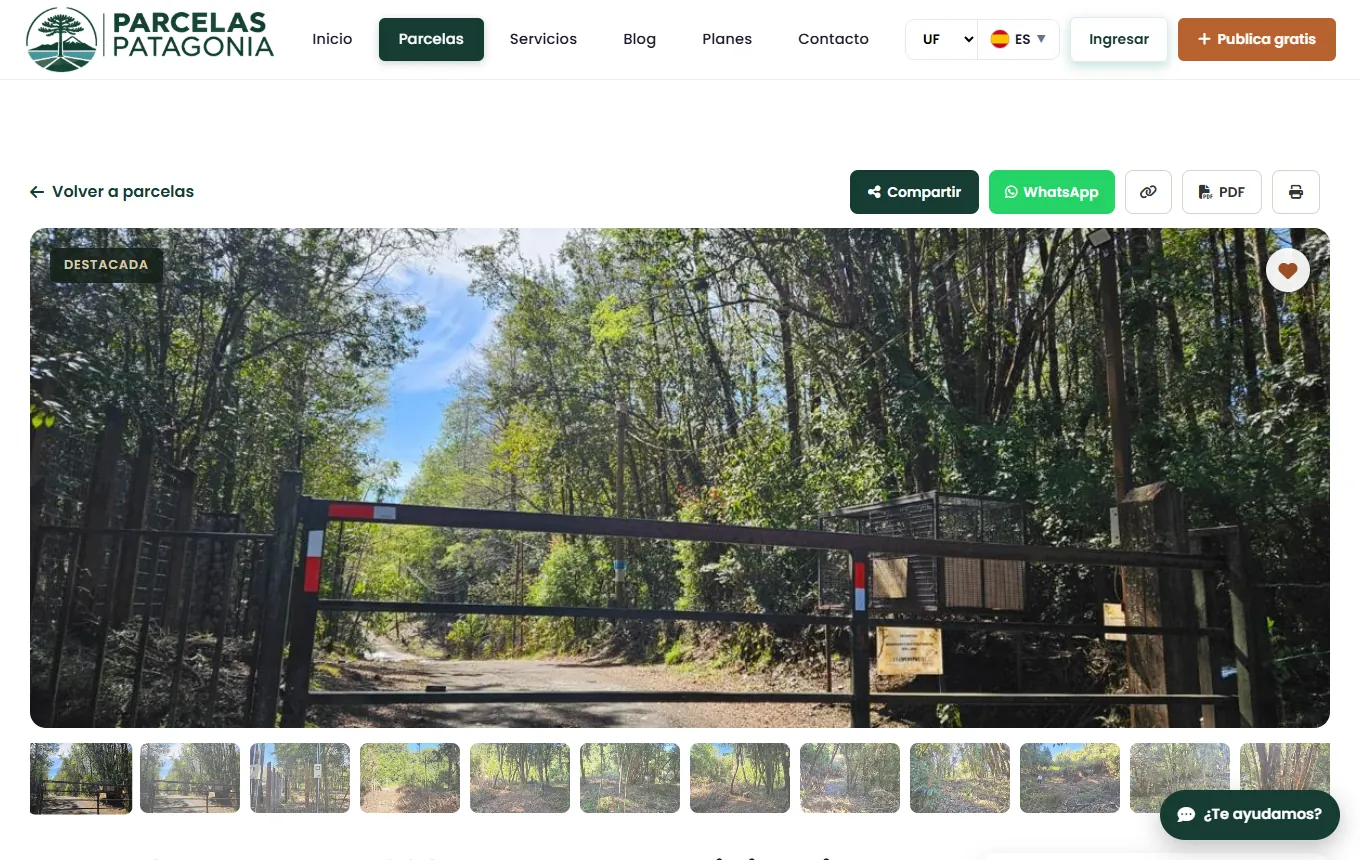
- Parcelas Patagonia (a land portal): every listing has its own automatically generated PDF brochure, ready to send or print.
How it works under the hood
In the CRMs I use QuestPDF, a .NET library that builds the document directly from code. On the portal, the PDF is produced from an HTML template converted to PDF. Either way, what matters is the same:
- The same data as the system: the PDF reads the client, amounts and dates straight from the database. No copy and paste, so no copying errors.
- Consistent branding: the same logo, colours and typography on every document.
- Archived, searchable documents: each PDF is linked to its client and easy to find later.
What you gain
- Time: repetitive documents are generated in seconds instead of being assembled by hand.
- Fewer mistakes in amounts, exchange rates and client details.
- A more professional image, with documents that always look the same and look right.
- Faster answers: the client gets their quote without waiting for someone to find the time to prepare it.
When is it worth it?
The rule is simple: if you produce a document every week with the same structure, automating it pays off. If it's something you do twice a year, probably not.
If your data lives in spreadsheets today, the first step is often moving from Excel to a custom web application (in Spanish). And automatic PDFs are one of the most concrete ways to automate repetitive tasks in your business.
Want to see what it would look like for you? Have a look at my custom software service, or send me an example of the document you repeat most.
How much time do you lose building documents?
Show me your most frequent quote, certificate or report and I'll tell you how to automate it, with a clear price.
Get my free quoteMessage me on WhatsApp