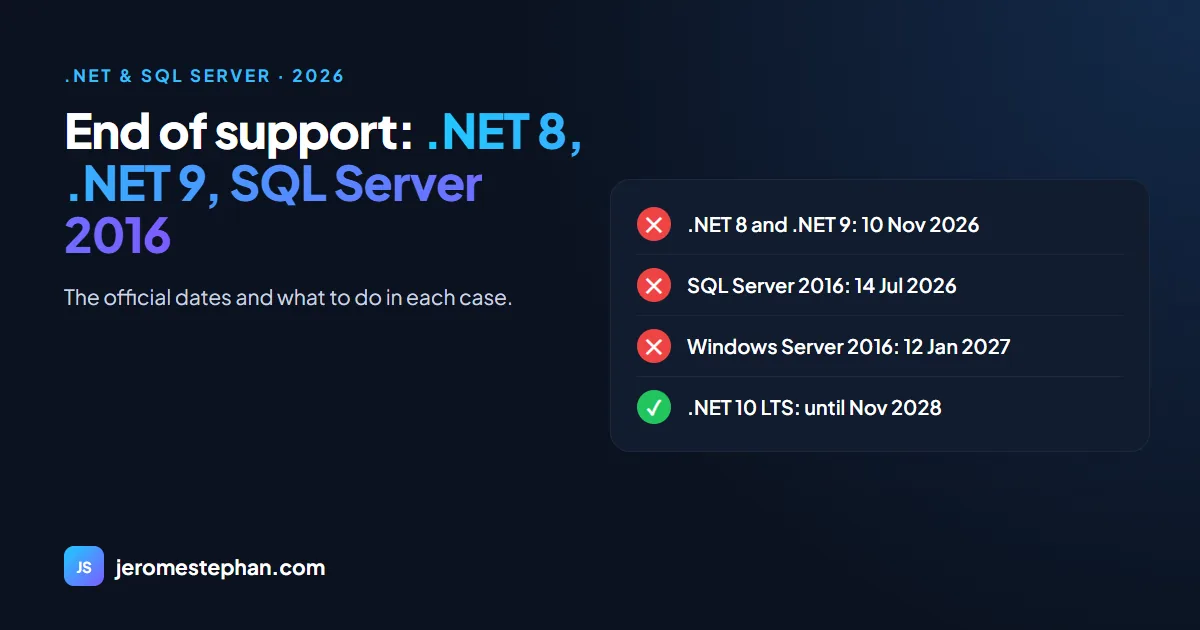
On 10 November 2026, .NET 8 and .NET 9 stopped receiving updates. SQL Server 2016 had already been out of support since 14 July. If your site or system runs on one of these versions, it works exactly as it did yesterday, but it no longer gets security patches. Here's what changed, what's still supported and how to decide what to do.
The dates at a glance
| Product | End of support | Status today |
|---|---|---|
| .NET 6 | 12 November 2024 | Out of support |
| .NET 8 | 10 November 2026 | Out of support |
| .NET 9 | 10 November 2026 | Out of support |
| .NET 10 (LTS) | November 2028 | Supported |
| .NET 11 | November 2028 | Supported, released 10 November 2026 |
| .NET Framework 4.8 and 4.8.1 | No date: follows the Windows lifecycle | Supported |
| .NET Framework 4.6.2 | 12 January 2027 | Final weeks |
| SQL Server 2016 | 14 July 2026 | Out of support |
| SQL Server 2017 | 12 October 2027 | Extended support |
| SQL Server 2019 | 8 January 2030 | Extended support |
| Windows Server 2016 | 12 January 2027 | Final weeks |
The dates come from the .NET support policy and Microsoft's lifecycle pages, checked on 17 November 2026.
What "out of support" means
The application doesn't switch off. But Microsoft no longer publishes security fixes or updates, and no longer provides technical support for that version. Every flaw discovered from now on stays open. And in an audit or a corporate client's security questionnaire, an unsupported platform counts against you.
Case 1: you're on .NET 6, 8 or 9
This is the simplest case: the destination is .NET 10, the long-term support release, and the programming model is the same.
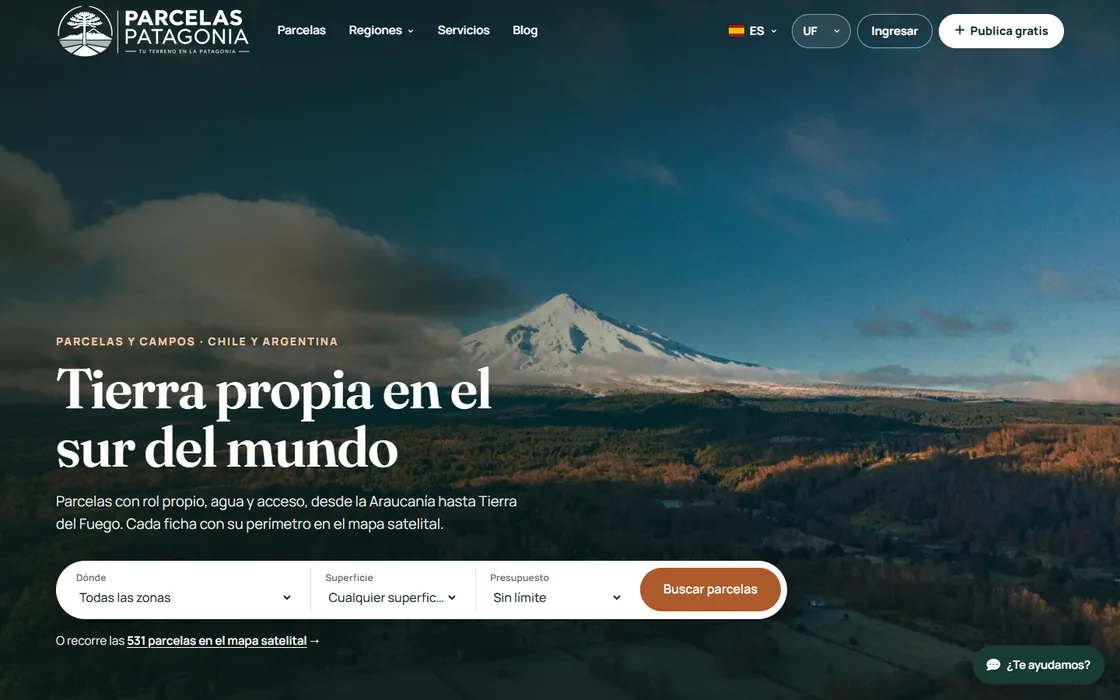
I've just done it with my Parcelas Patagonia portal: the .NET 10 and EF Core 10 version was ready on 17 November 2026. In practice:
- Change the project's target version and update the packages.
- Remove old workarounds: versions pinned by hand years ago that were no longer needed.
- Check the licences. An image library I used now requires a paid licence in its latest version. I stayed on the previous branch, knowingly.
- Test everything. 37 pages and endpoints checked before going live.
- Prepare the server: install the ASP.NET Core 10 Hosting Bundle before copying the site.
The code change is short. What takes time, and what you mustn't skip, is the testing.
Case 2: you're on .NET Framework (Web Forms, MVC 5)
There's no date forcing your hand here: .NET Framework 4.8 stays supported as long as your version of Windows is. But it gets no new features, and Web Forms doesn't exist in modern .NET.
Watch what surrounds it: .NET Framework 4.6.2 and Windows Server 2016 both end on 12 January 2027. If you decide to migrate, I explain the method in migrating ASP.NET Web Forms to .NET 10.
Case 3: your database is on SQL Server 2016
- Pay for Extended Security Updates. Microsoft offers them until July 2029, but they only cover critical flaws and cost about 75% of the licence price per year.
- Move to SQL Server 2022 or 2025. The database can keep its compatibility level, so queries behave as before, and you raise it later at your own pace.
The second option is almost always the better one: you pay once to migrate, instead of paying every year to stay where you are.
Case 4: you still have classic ASP
Classic ASP stays supported as long as the Windows hosting it is. But nearly all of those sites are written in VBScript, which Microsoft deprecated in 2023 and plans to remove from a future version of Windows Server. Nothing is urgent today, but the direction is clear.
Where to start
First find out what you have installed. On the server, two commands will tell you:
dotnet --list-runtimes

SELECT @@VERSION;- Take inventory: the .NET, SQL Server and Windows version behind each application.
- Sort by exposure: anything open to the Internet comes first.
- Test on a copy, never directly in production.
- Plan in stages, with a backup before each one.
If you'd like a second opinion, I do a free audit and give you a staged plan at a fixed price: it's all on my .NET migration and modernisation page. And if you're looking for someone to trust with the system, first read how to choose a freelance ASP.NET and SQL Server developer.
Got a .NET or SQL Server application to modernise?
Free audit and a staged plan at a fixed price. I reply in English, French or Spanish.
Ask for my free auditMessage me on WhatsApp