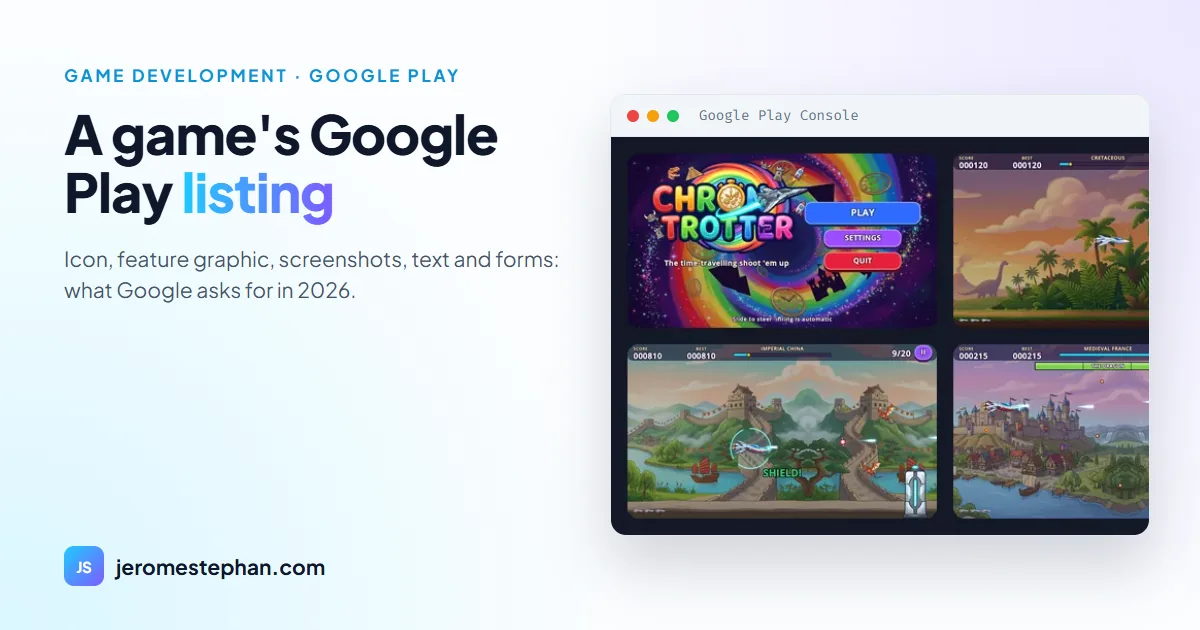
Having the game file ready is only half the job. Before you can submit it, the Google Play Console asks for a complete listing: images with exact dimensions, text with character limits, and several forms. This article gathers what Google requires in November 2026, with a real example: the listing for Chrono Trotter, my shoot 'em up made with Godot, as I prepared it for its closed test.
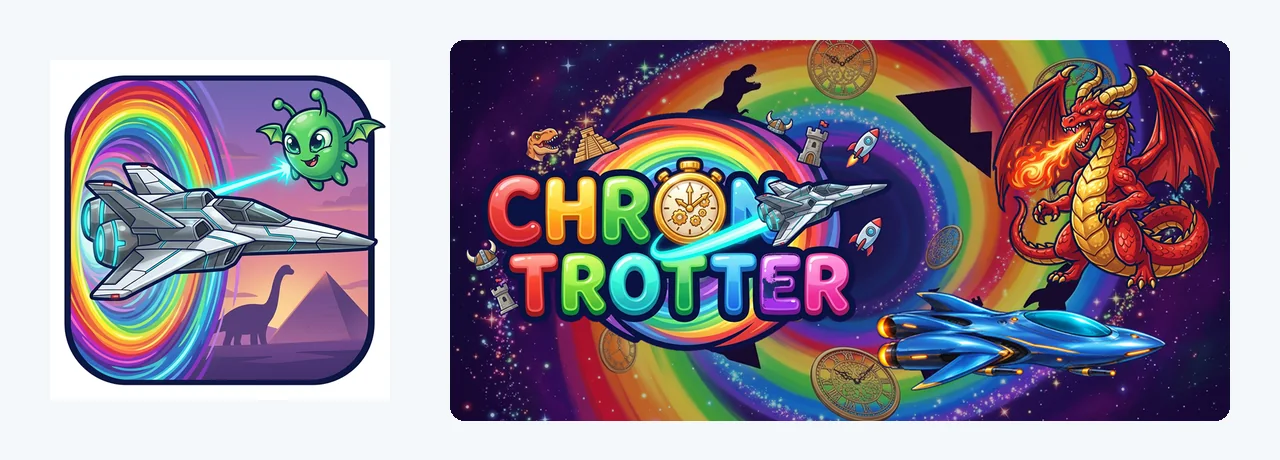
The images
| Asset | What Google asks for |
|---|---|
| Icon | 512 × 512 px, 32-bit PNG, 1024 KB at most. Required. |
| Feature graphic | 1024 × 500 px, JPEG or 24-bit PNG with no transparency. Required. |
| Screenshots | Up to 8 per device type and at least 2. JPEG or 24-bit PNG, between 320 and 3840 px per side, and the long side can't be more than twice the short one. |
| Video | Optional: a YouTube link. Google recommends it for games in particular. |
The content rules are the same for every image: no "#1", "Best", "New", prices or calls such as "Download now". On screenshots, a tagline shouldn't take up more than 20% of the image.
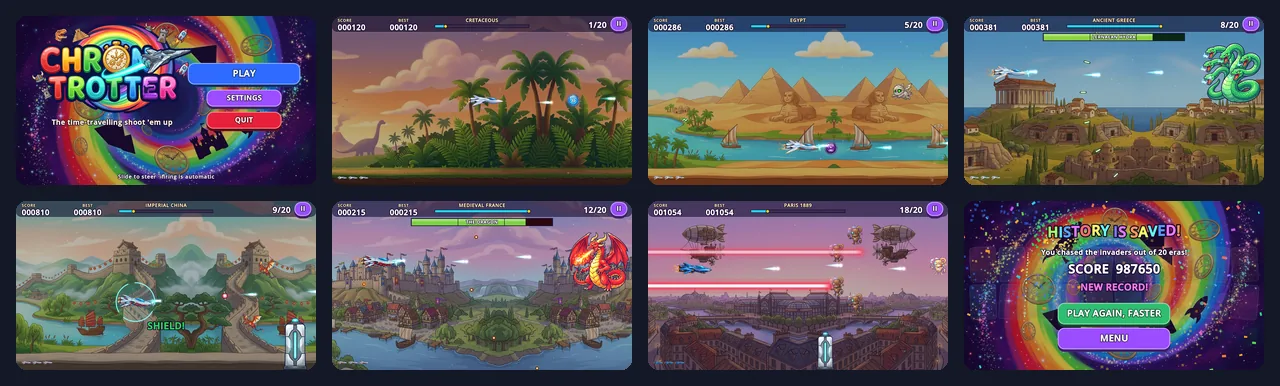
I didn't take Chrono Trotter's eight screenshots by hand: the game has a mode that loads a level, waits for the chosen moment and saves the image at 1920 × 1080, in the chosen language. When I change a graphic, I generate them again without touching the phone.
The text
| Field | Limit |
|---|---|
| App name | 30 characters |
| Short description | 80 characters |
| Full description | 4,000 characters |
- In the name: no emojis, no all caps unless it's part of the brand, and no reference to price, ranking or a Google Play programme.
- In the short description: no emojis or repeated punctuation, and no "Best" or "Download now". Mine is 77 characters long: "Time-travel shoot 'em up: blast through 20 eras, from dinosaurs to year 3000!".
- In the full description: anonymous or unattributed user testimonials aren't allowed.
Each language has its own listing. Chrono Trotter has six: English (the main listing), French, Spanish, Portuguese, German and Italian, with screenshots in the matching language where they exist.
The "App content" forms
- Privacy policy. It's required even if the game collects nothing: one link on the listing and another inside the game. It must be a public https web page, not a PDF.
- Data safety. The form always has to be completed, for a closed test too. Chrono Trotter has no Internet access: I declared that it collects and shares no data.
- Ads. You must declare whether the game shows advertising. If it does, the listing carries a "Contains ads" label.
- Content rating. It's an IARC questionnaire. Without it the game is listed as "Unrated" and may be removed. For a shoot 'em up, the key question is violence: mine is cartoon violence, against imaginary creatures and with no blood.
- Target audience. You must declare the age groups you're aiming at. If they include children, the Families policy applies, which is stricter about advertising.
Before creating the listing
- The developer account costs US$25, once. With a personal account created after 13 November 2023, you have to go through a closed test with 12 testers for 14 days before publishing.
- The package name is unique and permanent: it can't be deleted or reused.
- The file must be an AAB targeting API 36. I explain how to build it in exporting a Godot 4 game to Android.
My checklist
- 512 × 512 icon and 1024 × 500 feature graphic.
- At least three 1920 × 1080 screenshots of the real game, and up to eight.
- Name (30), short description (80) and full description (4,000), in each language.
- Privacy page online and linked inside the game.
- Data safety, ads, content rating and target audience completed.
- Category, tags and contact email.
The sizes and limits in this article come from the official Play Console help, checked on 15 November 2026. Google changes them from time to time: it's worth checking again before each launch. For your own projects, see my custom software service.
Got a game or app project?
Let's talk: I'll propose the architecture, the timeline and a clear price.
Get my free quoteMessage me on WhatsApp